
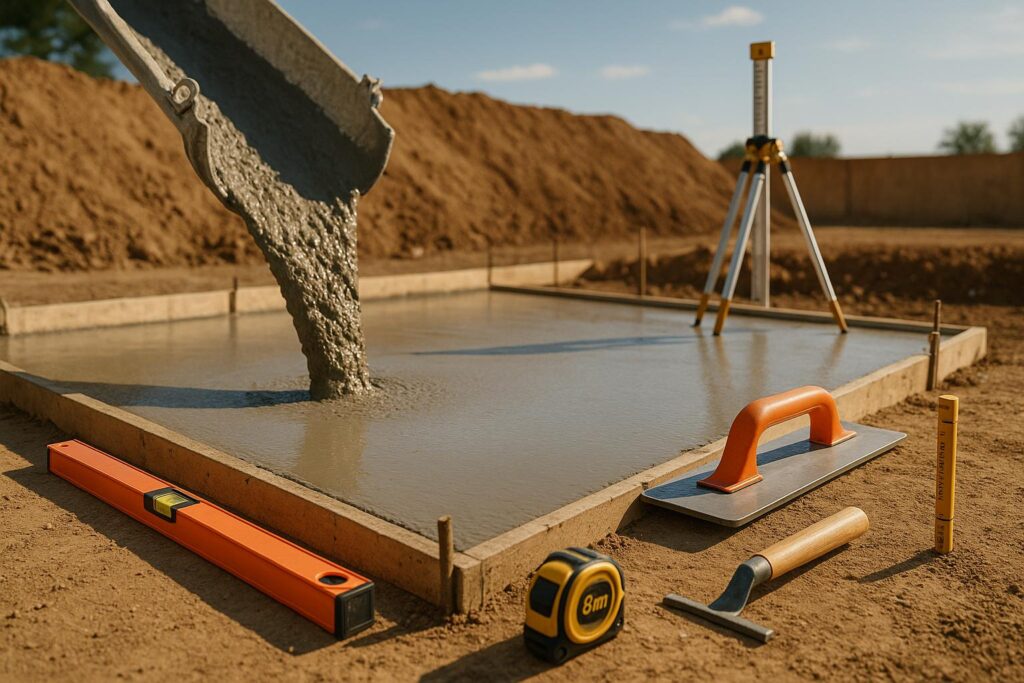
Plan Your Project with a Concrete Coverage Calculator
When tackling a construction or DIY project, knowing how much material you need is half the battle. Estimating concrete requirements can be a headache, especially with variables like depth, unit conversions, and overage. That’s where a reliable tool for calculating concrete volume comes in handy. Whether you’re laying a driveway, building a patio, or setting up a foundation, getting an accurate estimate prevents costly shortages or wasteful surplus.
Why Accurate Estimates Matter
Underestimating can stall your project, forcing last-minute orders that drive up costs. Overestimating, on the other hand, leaves you with unused material and a lighter wallet. A good estimator accounts for dimensions—length, width, and depth—and includes a buffer for waste. It’s not just about raw numbers; it’s about planning smarter. Our tool lets you input measurements in feet or meters, adjust for spillage or errors, and see a clear breakdown of the total volume needed.
Save Time and Money
Forget manual math or rough guesses. With a few clicks, you can nail down your material needs and focus on getting the job done. Start your next build with confidence, knowing you’ve got the right amount of mix ready to pour.
FAQs
How does the waste percentage affect my concrete estimate?
The waste percentage accounts for spillage, uneven surfaces, or errors during pouring. We set it at 10% by default, which is a common industry standard for most projects. So, if your base volume is 10 cubic yards, we’ll add 1 cubic yard as waste, giving you a total of 11. You can tweak this percentage based on your project’s specifics—bigger jobs might need more, while smaller ones might need less.
Can I switch between imperial and metric units?
Absolutely! Our tool has a simple toggle to switch between imperial (feet, inches, cubic yards) and metric (meters, centimeters, cubic meters). Just pick the system you’re comfortable with, enter your measurements, and the calculator handles the rest. No need to convert anything manually—we’ve got it covered.
What if I enter a negative or zero value by mistake?
Don’t worry, the tool won’t let that slip through. It checks your inputs and will prompt you to correct any negative or zero values before calculating. This ensures your results are realistic and useful, so you’re not stuck scratching your head over an error message. Just pop in valid numbers, and you’re good to go!