
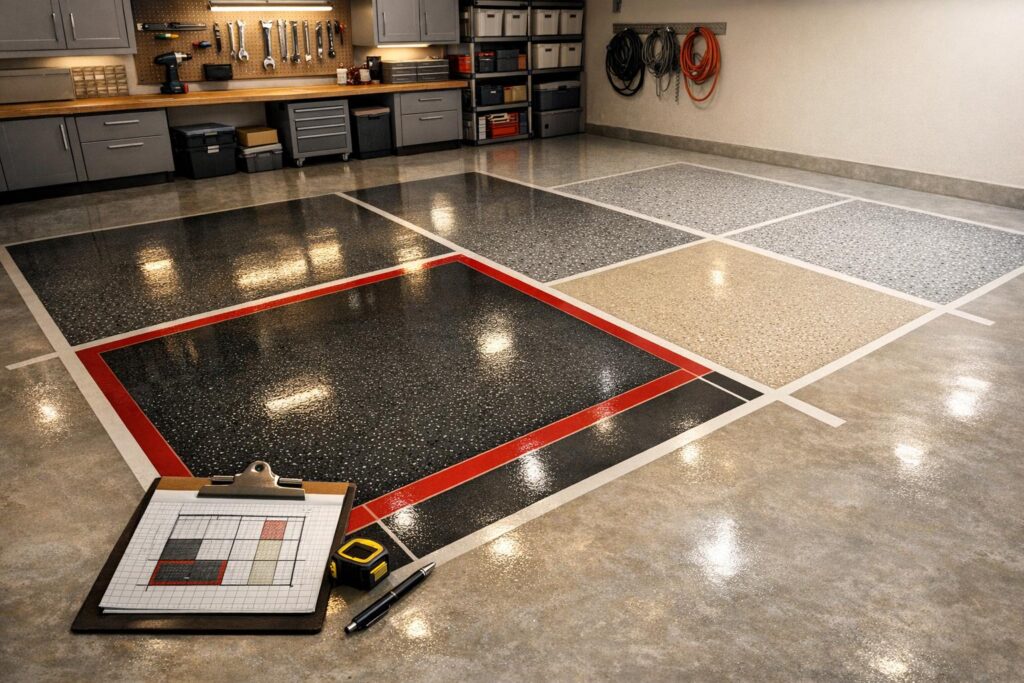
Plan Your Perfect Garage with a Custom Floor Design Tool
If you’ve ever stared at your garage and wondered how to elevate its look, you’re not alone. A well-designed floor can turn a drab storage space into a polished, functional area that adds value to your home. That’s where a garage flooring visualizer comes in handy. It’s a straightforward way to experiment with materials like epoxy coatings, interlocking tiles, or stained concrete without lifting a finger—or a paintbrush.
Why Visualize Before You Renovate?
Renovating a garage isn’t just about aesthetics; it’s about durability and practicality too. Maybe you’re after a glossy, easy-to-clean surface for a workshop, or a bold pattern to make the space pop. By using a tool to map out your ideas, you can see how different colors and textures come together based on your exact measurements. Plus, getting a rough idea of material needs saves you from overbuying or underestimating costs. It’s all about making smart choices before the real work begins. So, whether you’re a DIY enthusiast or hiring a pro, start with a clear plan and watch your garage transform into something you’re proud to show off.
FAQs
Can I use this tool for any garage size?
Absolutely! Our Garage Floor Design Planner works for any dimensions, whether you’ve got a compact single-car garage or a sprawling workshop. Just pop in the length and width, and the tool scales the layout accordingly. If your space has odd angles or cutouts, the mockup will still give you a solid starting point to estimate materials.
How accurate are the material estimates provided?
The material estimates, like square footage for epoxy or tile counts, are based on the dimensions you provide and standard coverage rates. They’re pretty close for most projects, but keep in mind they’re a guide, not a final quote. Factors like surface prep or waste during installation might tweak the numbers a bit, so I’d recommend adding a 10-15% buffer when ordering.
Does the tool save my design for later?
Right now, the tool generates your design on the spot but doesn’t store it. I suggest taking a screenshot of the 2D layout or jotting down the material summary if you want to revisit it. We’re working on a save feature, though, so stay tuned for updates that’ll make it even easier to manage your plans!